Skip to the waitlist
Safelight
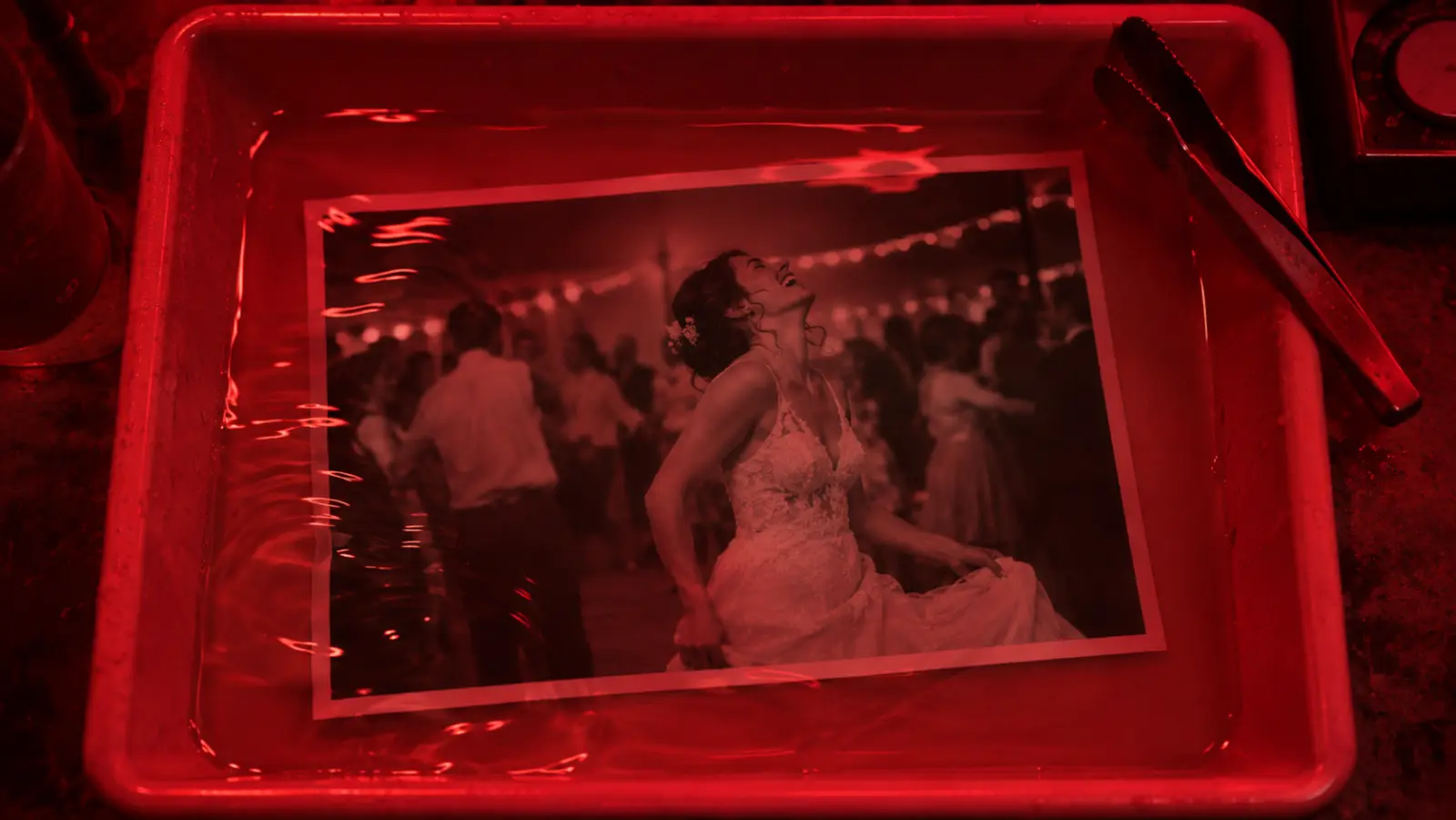
A print of a laughing bride in a developer tray under the red light of a darkroom

A Mac app for wedding and event photographers

Cull and edit a whole wedding on your own Mac

I shoot weddings and events in Kraków, and one wedding leaves me with three to five thousand RAW files from a Sony A7 IV. The couple gets a few hundred of them, fast, and in one consistent colour whether it’s the vows in church or the last dance. I’m building Safelight for exactly that day: it goes through the whole shoot on your own computer, keeps the best moment from every burst and edits what it picked straight away.

Join the waitlistSee how it works

  • Test version before launch
  • Founder price for life
  • Trained on your own style

Culling

A contact sheet, a loupe and a red grease pencil

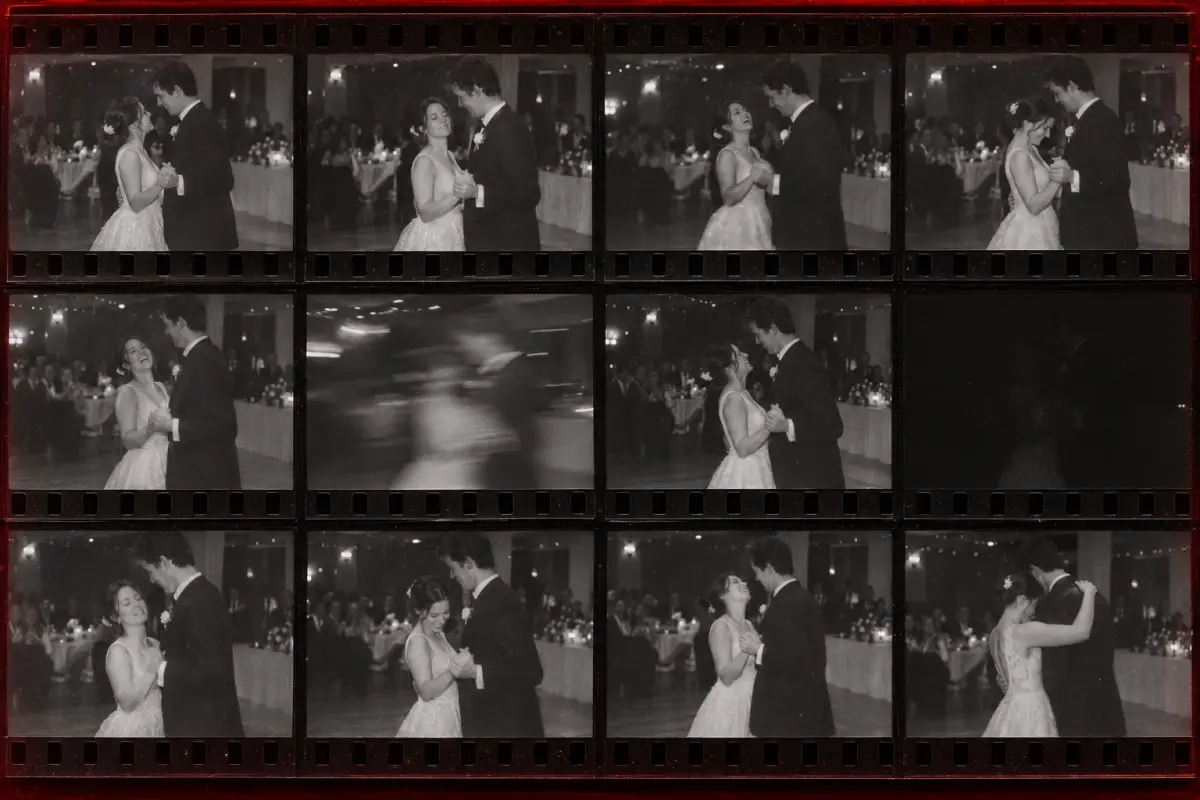
Photographers in the film days sat over a contact sheet with a loupe and circled the good frames with a grease pencil. Safelight goes through every burst the same way: it circles the moment where something happens, crosses out blinks and misfires, and leaves a reason next to every call.

A contact sheet with twelve frames from one first-dance burst Keep: the laughIntentional blur, keepEyes closedFlash misfiredKeep: the look
  • Keep: the laugh
  • Intentional blur, keep
  • Eyes closed
  • Flash misfired
  • Keep: the look

What Safelight does

01

It picks the moment, not just the sharpest frame

In a burst of ten frames from the first dance, usually every one is sharp. What changes is whether the bride is laughing or blinking, and whether the groom is looking at her or at his shoes. Safelight compares the frames in a burst by faces and gaze and keeps the one where something is happening. In a group photo, the frame where everyone has their eyes open wins, even if the one next to it is a hair sharper.

02

It knows intentional blur from a mistake

At 135 mm and f/1.8 only the bride’s eyes are sharp and the guests behind her melt into soft shapes, and that’s the point. On the dance floor a slow shutter with flash leaves light trails behind the dancers, and that’s intended too. Safelight measures sharpness on the face and at the point where the camera locked focus, so frames like that stay. What goes is a soft frame when its neighbours in the same burst are sharp, plus black frames from a flash that didn’t fire and shots taken with the camera hanging lens down.

03

It never deletes anything

Rejected photos stay on your drive, each with the reason next to it. One key and the photo is back with the picks. When a moment has only one frame, Safelight won’t reject it on its own; it puts it in “Maybe” and the call is yours. Checking the rejects then means glancing at reasons, not going through the whole wedding a second time.

  • Eyes closed
  • Motion blur
  • Repeat from a burst
  • Too dark
  • Maybe: only frame
04

An editorial look, with the sliders you already know

The picks get one carefully tuned look: natural skin, soft highlights, colours close to real life and a light film feel. Before the look goes on, every photo is levelled first: exposure, white balance set from skin, highlights recovered. That way a cool church and a dance floor under coloured lights read as one shoot.

After that you fine-tune any photo with the same sliders as the apps you use every day, so there’s nothing new to learn: temperature, exposure, contrast, highlights, shadows, whites, blacks, clarity, vibrance, the tone curve and HSL. Only the picks get edited, not the whole import.

05

Thousands of RAW files, all on your own computer

Safelight does all the work on a Mac with Apple silicon, so the couple’s photos stay on your drive and never go to any cloud. It’s being built for shoots of up to 15,000 RAW files. The first picks show up in the grid while the analysis is still running, and if you close the lid, it carries on from the photo where it stopped.
Waitlist

Get in before the lights go on for everyone

People on the list get into the darkroom first. One confirmation email now, then a message when the test version starts.

  • Early access

    The test version goes to people on the list first, before the public launch.

  • Founder price for life

    People on the list pay less for Safelight, and that price stays with them through future versions too.

  • Safelight trained on your own style

    You give it your past shoots, the RAW files and the photos you delivered, and it learns which frames you pick and how you edit them.

Tell me about your work (optional)

After you sign up you’ll get one confirmation email, and later a message when the test version starts. How I store your data is in the privacy policy.

Questions

When is the launch?

Before the next wedding season. The test version goes to people on the list first, and they’ll get the exact date by email before anyone else.

How much will it cost?

Safelight is meant to be within reach of every photographer, so the standard price is half of what similar apps cost. People on the list pay even less, because they get the founder price, and it stays with them for life.

Which computer does it run on?

To start with, a Mac with Apple silicon, M1 or newer: MacBook Air, MacBook Pro, iMac, Mac mini and Mac Studio. All the analysis runs on the Mac’s graphics and neural chips, which is why it gets through thousands of files so fast. If Safelight does well and enough people ask for it, there will also be a version for Windows and for older Macs. Tick what you work on in the form, it helps decide.

Who’s behind it?

Me, Roland Mika. I photograph weddings and events as roland4foto, and I build apps and websites at Websly. Safelight is being made for my own wedding work first, and then for other photographers.